






Creating a Network Shortcut
|
|
Creating a Network Shortcut |
| Information |
|---|
|
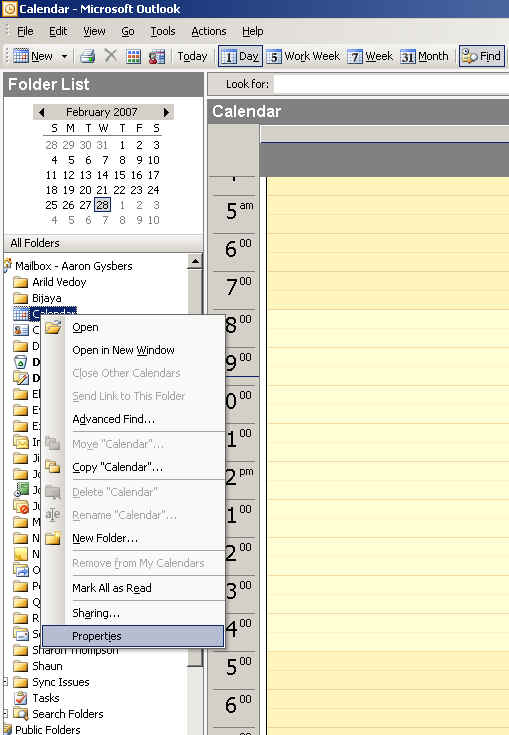
How to Share Your Outlook Calendar (outlook 2003) From the Client computer right click on your Calendar and choose properties.
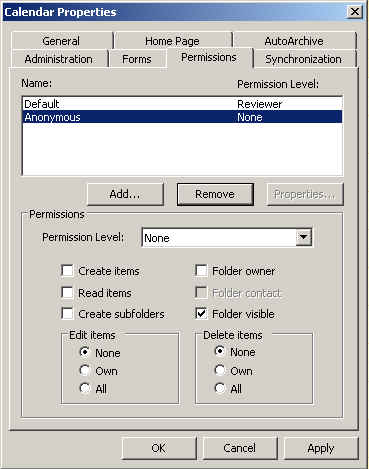
Select the Permissions tab and choose Add.
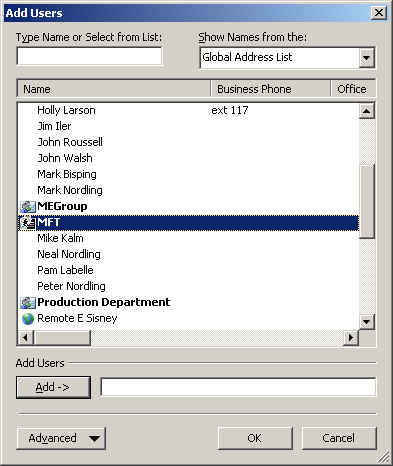
In the Add Users dialog box scroll down and select the MFT group and click Add--> and then OK.
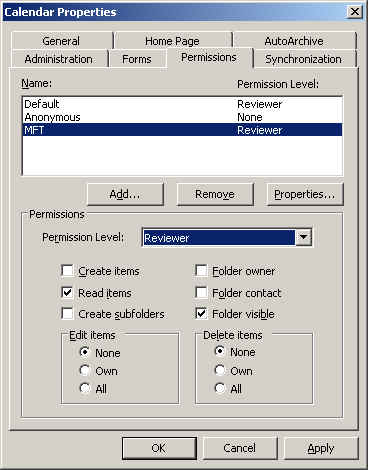
Make sure the MFT group is highlighted, then for the permission level select Reviewer. Click Apply and OK.
Your Outlook calendar is now shared to everyone in the MFT group.
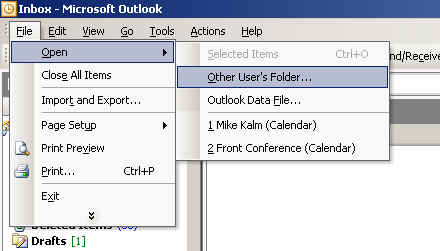
Now when someone else wants to view your schedule, they will need to have outlook open.
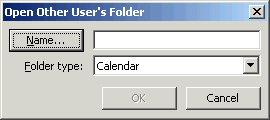
Select Folder type: and choose Calendar. Then click on Name...
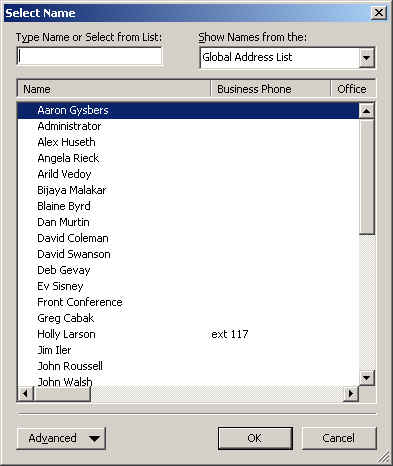
Select the User's calendar you wish to view and click OK
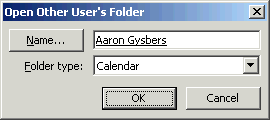
Click OK
|